
"Wait, which video was that in?"
frantically opens YouTube history
sees 200 videos from last month
gives up and googles it instead
If this is you, congrats - you're human! Our brains aren't designed to be perfect video databases. But what if your computer could be?
The "I Know I Watched This Somewhere" Problem
Last week, I needed a specific stat about remote work productivity. I KNEW I'd seen it in a YouTube video. Was it the one from that productivity guru? The TED talk? That random podcast clip?
Three cups of coffee and 45 minutes later, I found it. By accident. While looking for something else.
There had to be a better way. Spoiler: There is.
Your YouTube History is a Goldmine
Think about it:
Every tutorial you've watched
Every lecture you've absorbed
Every documentary fact you've learned
Every podcast insight you've heard
It's all there, locked away in videos you'll probably never rewatch. YouTube's search bar? Useless. It can find video TITLES, not the golden nuggets inside them.
Enter the Game-Changer: YouTube AI Assistant
The YouTube AI Assistant Chrome Extension does something revolutionary - it turns your YouTube history into a searchable personal library.
Here's the magic:
Automatically captures full transcripts of every video you watch
Makes everything searchable - not just titles, but actual spoken content
Lets you chat with your video history using AI
How I Found That Remote Work Stat in 30 Seconds
Opened the extension dashboard
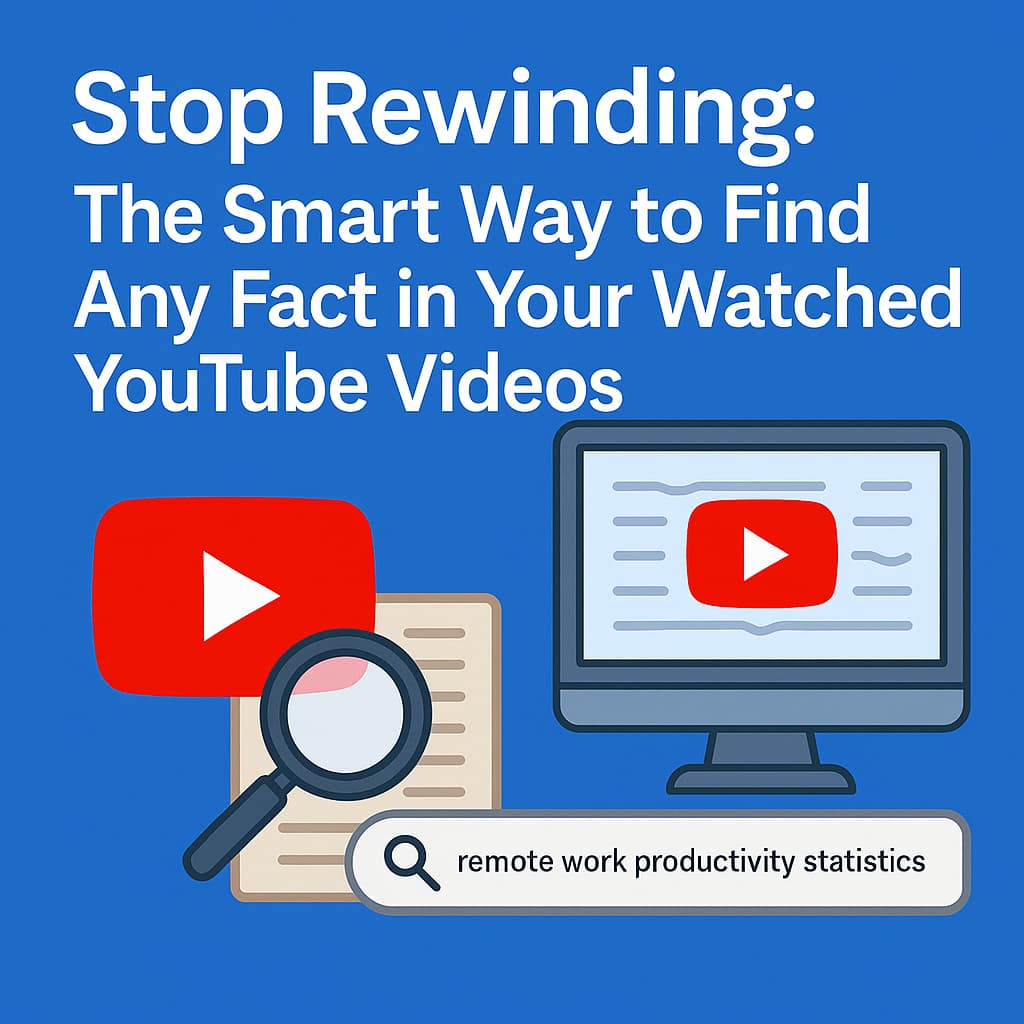
Typed "remote work productivity statistics"
It showed me 3 videos from my history mentioning this
Clicked one and asked the AI: "What productivity stats were mentioned?"
Got the exact quote with timestamp
From 45 minutes of frustration to 30 seconds of satisfaction.
Real Use Cases That'll Blow Your Mind
For Researchers
"Show me all videos where cryptocurrency regulation was discussed" - Instant bibliography
For Students
"Which professor explained quantum entanglement best?" - Find that one perfect explanation
For Professionals
"What did that marketing expert say about TikTok algorithms?" - Nail your next presentation
Stop Letting Knowledge Slip Through Your Fingers
Every day you wait is another day of valuable information becoming increasingly hard to find.
Install YouTube AI Assistant now and turn your YouTube history from a messy pile into a searchable superpower.
Because rewinding through videos trying to find something? That's so 2025.