
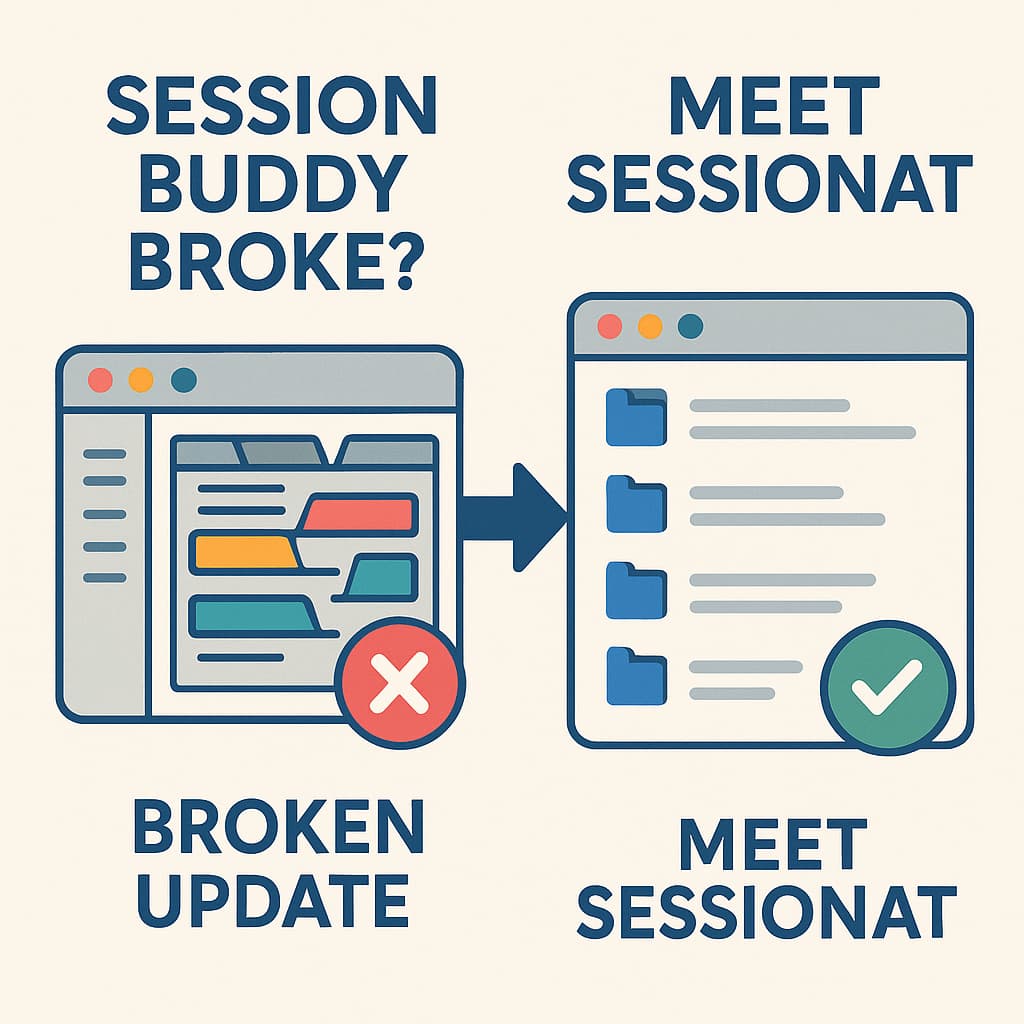
If you're here because Session Buddy's latest update made you want to throw your laptop out the window...
I feel you. We need to talk about what happened to our beloved Session Buddy and, more importantly, what to do now.
The Update That Broke Our Hearts
Remember when Session Buddy was simple? Click, save, done. It was beautiful in its simplicity.
Then came THE UPDATE. You know the one. Suddenly:
Everything takes 3 extra clicks
The interface looks like it was designed by committee
Features you used daily? POOF! Gone
Simple tasks became complicated puzzles
What Went Wrong (A Post-Mortem)
They Fixed What Wasn't Broken
The old UI was perfect. Clean, simple, functional
The new one? It's like they asked "How can we make this more complicated?"
They Removed Core Features
Quick save? Harder now
Bulk operations? Good luck
That simple list view we loved? Buried under "modern design"
They Ignored Their Users
Check the reviews. It's a massacre
Long-time users begging for the old version back
Radio silence from the developers
Enter Sessionat: Everything Session Buddy Used to Be (And More)
After the update disaster, I went extension shopping. Tried them all. Most were either too simple or trying too hard. Then I found Sessionat.
The Game-Changers
Auto-Save That's Actually Smart
Session Buddy: Manual only (hope you remember!)
Sessionat: Intelligent auto-save that knows when you're done researching
Google Search Tracking
Session Buddy: Nope
Sessionat: Saves your searches WITH the results (mind = blown)
AI-Powered Search
Session Buddy: Basic text matching
Sessionat: "Find my tabs about Python tutorials from last month" (it actually works!)
Making the Switch (Without the Drama)
Export from Session Buddy - While you still can! Go to Session Buddy - Settings - Export
Install Sessionat - One click from the Chrome Web Store
Import Your Sessions - Sessionat - Import - Select your Session Buddy file
Continue With Your Life - But better. Much better.
Your Next Steps
If you want:
The simplicity Session Buddy used to have
Modern features that actually help
Developers who seem to care about users
Your sanity back
Then you know what to do.
Get Sessionat from Chrome Web Store
Welcome to the refuge for disappointed Session Buddy users. We've all been there. Now we're somewhere better.