
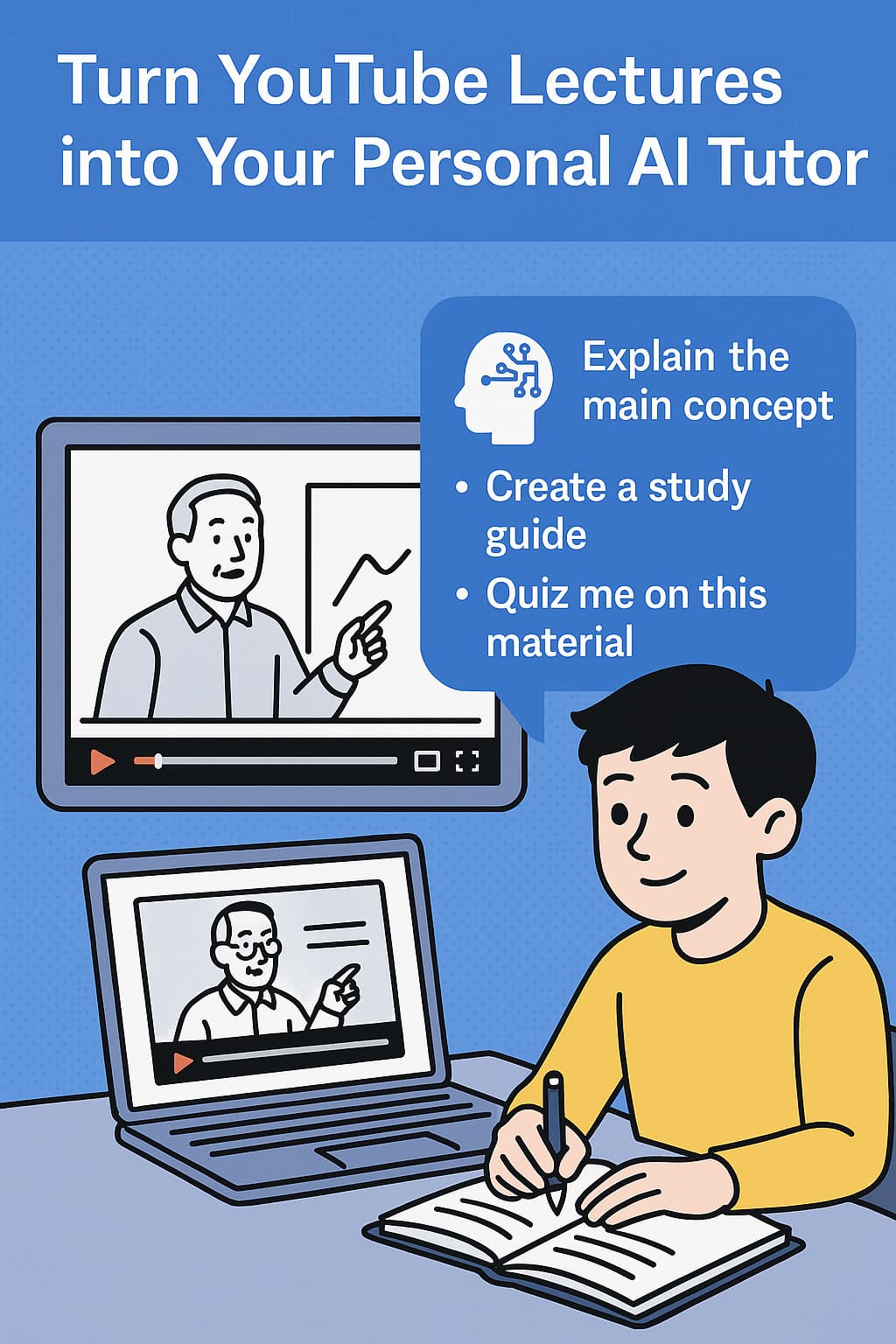
Confession time: I spent 6 hours last week manually analyzing competitor videos.
Taking notes on their hooks. Their storytelling patterns. Their CTAs. All while my own content calendar sat empty.
Sound familiar? Whether you're a content creator, marketer, or researcher, you're probably wasting HOURS on manual video analysis.
Time to work smarter, not harder.
The Content Creator's Dilemma
You know you should be:
Studying successful channels in your niche
Analyzing what makes videos go viral
Understanding audience engagement patterns
Repurposing long-form content
But who has time to watch hundreds of hours of content and take detailed notes?
Enter: Your Secret Weapon for Content Domination
The YouTube AI Assistant Chrome Extension isn't just for students. It's a power tool for anyone serious about content.
Here are 3 game-changing ways to use it:
1. Competitor Intelligence in Minutes (Not Hours)
The Old Way: Watch entire videos, pause constantly, fill up notebooks
The Smart Way:
Let the extension capture the full transcript
Ask the AI: "What are the main topics covered?"
"What storytelling techniques are used?"
"List all CTAs and their timestamps"
"What problems does this video solve?"
Real Example: Analyzed 10 competitor videos in 30 minutes. Found 3 content gaps they weren't addressing. Views up 240%.
2. Turn One Video into 10 Pieces of Content
That 45-minute podcast appearance? It's not just one piece of content. It's a goldmine.
Ask the AI to:
"Extract the 5 most tweetable quotes"
"Create an outline for a blog post"
"What are the key takeaways for LinkedIn?"
"Generate Instagram caption ideas"
3. Data-Driven Content Research
Stop guessing what your audience wants. Start knowing.
Use the AI to analyze patterns across multiple videos:
"What questions keep coming up in comments?"
"What topics generate the most engagement?"
"What pain points are mentioned repeatedly?"
Power User Tips for Content Creators
For YouTubers
Analyze your own videos: "Which parts might cause viewer drop-off?" - Improve retention
For Podcasters
"Extract all guest insights about [topic]" - Create topic-specific compilations
For Course Creators
"What questions did students ask in comments?" - Build better courses
Stop Grinding. Start Growing.
Every day without proper content analysis tools is a day your competition gets ahead.
Install YouTube AI Assistant now and join the creators who work smarter, not harder.
Because in the content game, information is power. And you're about to become very powerful.